What Is Rippling Two-Way Integration and Why Does It Matter?
If you’ve ever updated an employee’s information in one system only to find it still shows the old data somewhere else, you already understand the problem that integration is meant to solve. For growing businesses, keeping HR, IT, and finance tools in sync isn’t just a convenience it’s a real operational need. That’s where Rippling integration comes in, and more specifically, why Rippling two-way integration is worth understanding before you invest in any implementation.
What Rippling Integration Does
Rippling is a workforce management platform that brings HR, IT, and finance into a single system. At its core, Rippling integration refers to the connections between Rippling and the third-party tools your business already uses, from accounting software like QuickBooks and NetSuite to communication tools, security suites, and beyond.
Rippling currently supports over 650 app integrations through its App Shop, and that number continues to grow. The range covers everything from 401(k) providers and payroll tools to single sign-on, user provisioning, and license management. The idea is that Rippling sits at the center of your tech stack and keeps everything talking to each other, so your team isn’t manually updating five different systems every time something changes.
What makes Rippling’s approach stand out is that native integrations don’t just keep systems in sync they unlock broader platform capabilities that give you more control over your entire tech stack. That means you’re not just passing data back and forth; you’re building a more connected and automated operation.
The Difference Between One-Way and Two-Way Integration
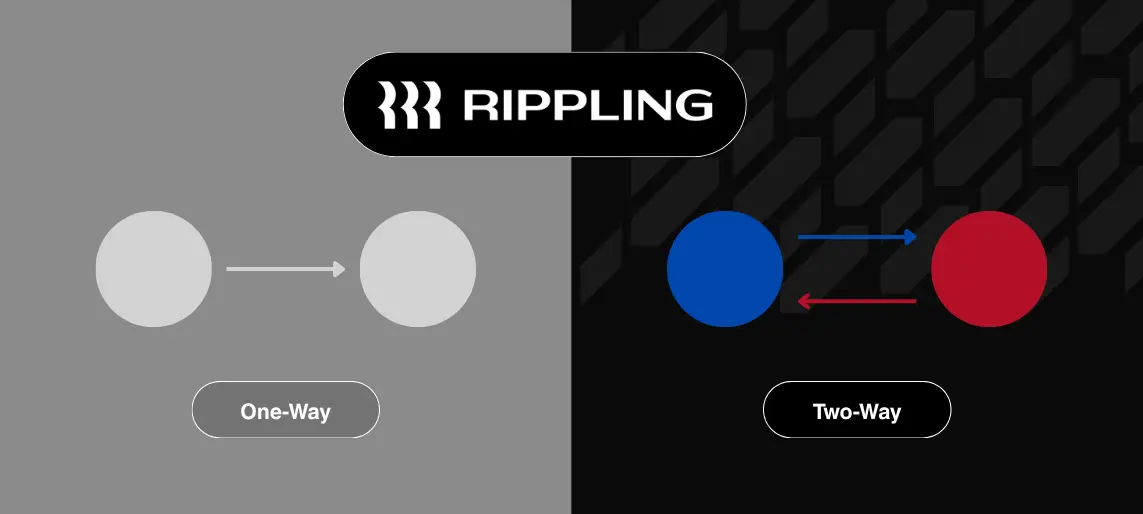
A one-way integration pushes data in a single direction. Think of it like a faucet — information flows from System A to System B, but nothing comes back. If an employee updates their direct deposit in your payroll tool, a one-way integration might send that change to Rippling, but it won’t pull any updated information from Rippling back into the payroll tool. You’re left filling in the gaps manually.
A Rippling two-way integration works differently. Data flows in both directions, meaning changes made in Rippling are reflected in the connected system, and changes made in the connected system are reflected back in Rippling. It’s a live, continuous conversation between platforms rather than a one-time handoff.
This matters because your business data doesn’t live in just one place. Employees update their information, roles change, benefits get adjusted, and departments reorganize. A two-way integration makes sure all of that movement is captured across every connected system without someone having to manually reconcile the differences.
That level of consistency depends heavily on how records are mapped between systems. If your integrations keep breaking, it’s often an ID mapping issue. See: Why Your Rippling Integration Keeps Breaking.
How Bidirectional Integration Works in Practice
Bidirectional integration is just another way of describing two-way integration, and in practice, it looks like this: when you update a job title in Rippling, that change automatically pushes to your connected HRIS, your accounting software, and your IT provisioning tools. When your 401(k) provider receives updated contribution choices, that data gets pulled back into Rippling’s payroll system without anyone having to log into both platforms and reconcile the numbers.
Attribute mapping is one of the specific features that makes this possible update made to user fields in Rippling, like department, photo, or preferred name, automatically apply to connected third-party apps. That’s bidirectional integration doing exactly what it’s supposed to do: keeping your systems honest without adding work for your team.
When attribute mapping is misconfigured, it can cause duplicate records or failed syncs across systems. Here’s how to identify and fix that: Why Your Rippling Integration Keeps Breaking.
For companies managing a lot of headcount movement, system changes, or multi-platform workflows, this kind of setup isn’t a nice-to-have. It’s the difference between a tech stack that runs smoothly and one that creates constant cleanup work.
How Many Integrations Does Rippling Have?
Rippling supports over 650 integrations in its App Shop, spanning HR tools, accounting platforms, IT systems, security software, and more. That breadth is one of the reasons businesses choose Rippling as the hub of their operations — there’s a good chance the tools you’re already using are already supported.
Among the most commonly connected platforms are QuickBooks Online, Xero, NetSuite, Sage Intacct, Slack, and various SSO and device management tools. And for businesses with more specialized needs, Rippling’s open API makes it possible for developers to build custom integrations that go beyond what’s available out of the box.
It’s also worth noting that Rippling adds new integrations and features regularly, so the ecosystem keeps expanding as the platform grows.
What This Means for Your Business Operations
Getting Rippling two-way integration right isn’t just a technical exercise — it changes how your whole organization operates. When your systems are genuinely in sync, your HR team isn’t chasing down discrepancies, your finance team has cleaner data, and your IT team spends less time troubleshooting access issues caused by outdated records.
The challenge is that setting up bidirectional integration well requires more than just flipping a switch. It takes thoughtful configuration, an understanding of how your data models map across platforms, and ongoing attention to make sure everything stays connected as your business changes. That’s where working with an experienced implementation partner makes a real difference.
Without that foundation, issues often surface later as payroll discrepancies or sync failures. Here’s how to prevent those: How to Prevent Payroll Sync Failures in Rippling.
At PARA Consulting, we specialize in Rippling implementations and integrations that are built to last. If you’re trying to figure out where to start or untangle an existing setup that isn’t working the way it should, we’d love to talk.